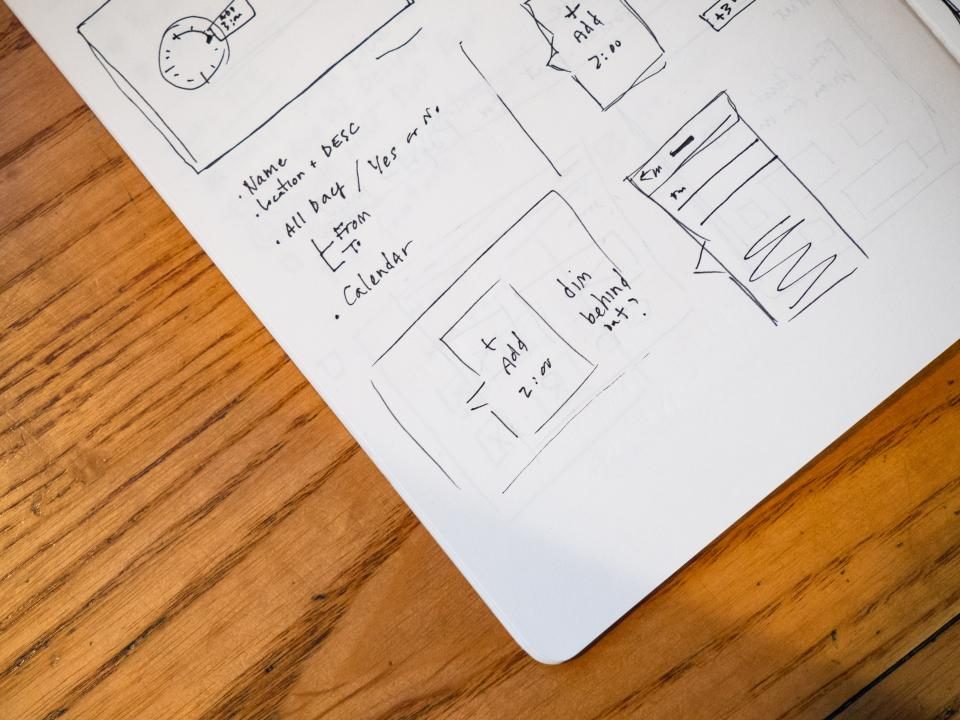
In a physical shop, a good assistant answers questions, shows the product and makes paying easy. Online, your product page has to do all of that on its own. These seven elements make the biggest difference.
1. Photos that answer questions
Show the product from several angles, in use and next to something for scale. Shoppers cannot touch it, so photos replace that experience.
2. A clear title and price
Name the product the way customers search for it, and show the price, any discount and the stock status near the top. Hidden prices make people leave.
3. Benefits before specifications
Start with what the product does for the buyer in two or three short points. Put the detailed specs further down for people who want them.
4. An Add to cart button you cannot miss
One strong color, used only for this button. On mobile, a sticky Add to cart bar keeps it within reach while shoppers scroll.
5. Reviews near the decision
A star rating near the title and a few real reviews below the description build trust exactly when people are deciding.
6. Shipping and returns, upfront
Unexpected costs at checkout are one of the top reasons for abandoned carts. Show delivery times, shipping costs and your returns policy on the product page itself.
7. A short FAQ
Add the three or four questions customers ask most, such as sizing, care or compatibility. Every answered question removes a reason to leave.
Our e-commerce product page design covers all seven points and applies them to every product in your WooCommerce or Shopify store.